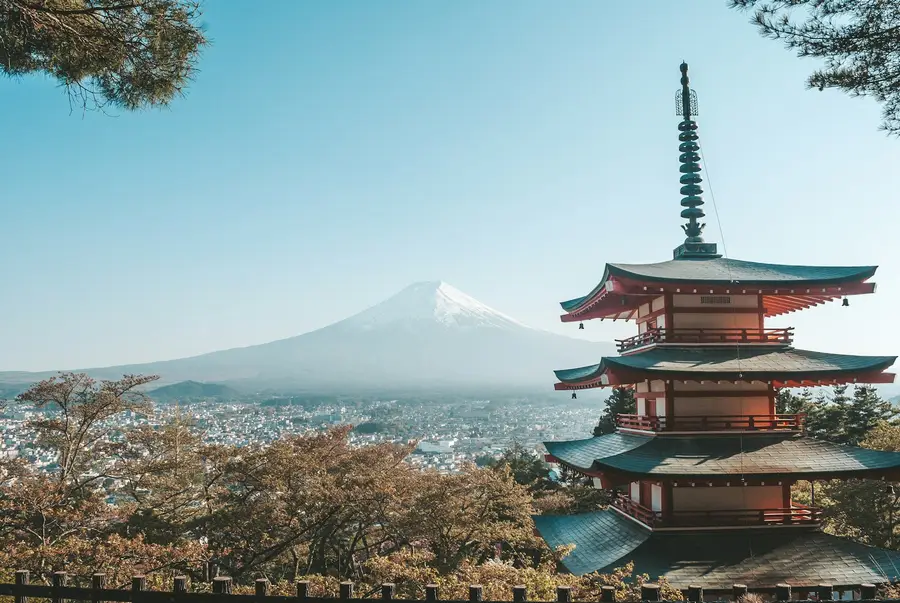
 Shibuya Crossing, Tokyo
Maya OkaforNov 3 · Two weeks in Japan
Snapsmaps reads where a photo was taken, pins it there, and shows it to the people you choose.
Take a photo or upload one. The location comes from the photo itself, or your phone's GPS — no typing addresses.
It lands on the map right where you took it. Rather keep it vague? Pin it to the area instead of the exact spot.
The people who follow you see it on their map and in their feed, and can like and comment along the way.
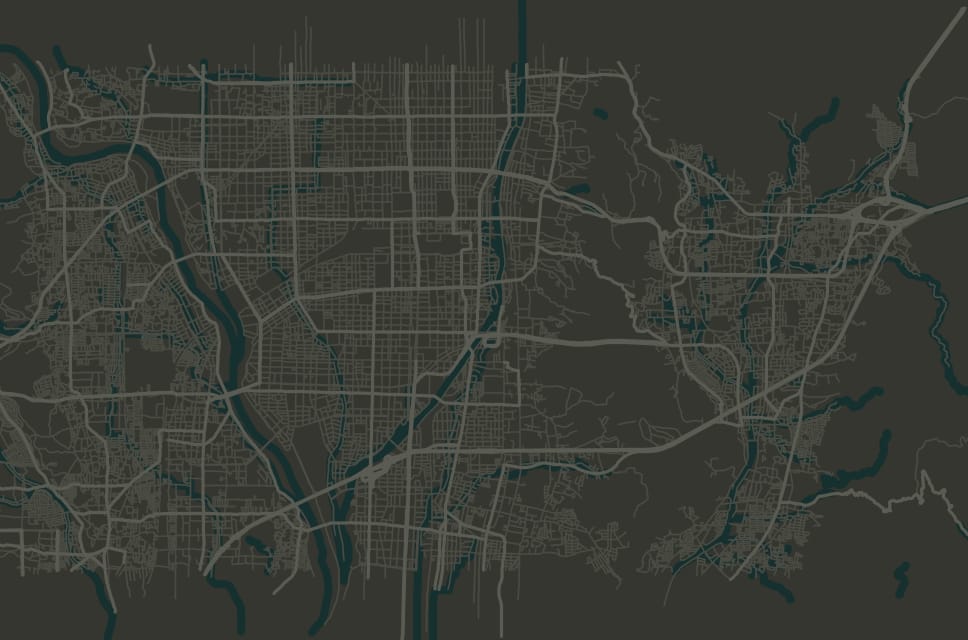
Group snaps into a trip and Snapsmaps draws the route between your stops — so it reads in the order it happened, not as a pile of photos.
Share your profile or a trip and the people who matter can follow every stop — with likes, comments, and no feed full of strangers in between.
Your profile opens on a map of every snap you've shared. Tap a place to see the photos from it.
Every snap has its own settings. Set them when you post.
Share a snap with the world, just the people who follow you, or keep it to yourself.
Approximate snaps are pinned to the neighborhood, and the photo's GPS data isn't kept.
Turn location off for any snap when the place is nobody's business.
People you block can't see your snaps or follow you.
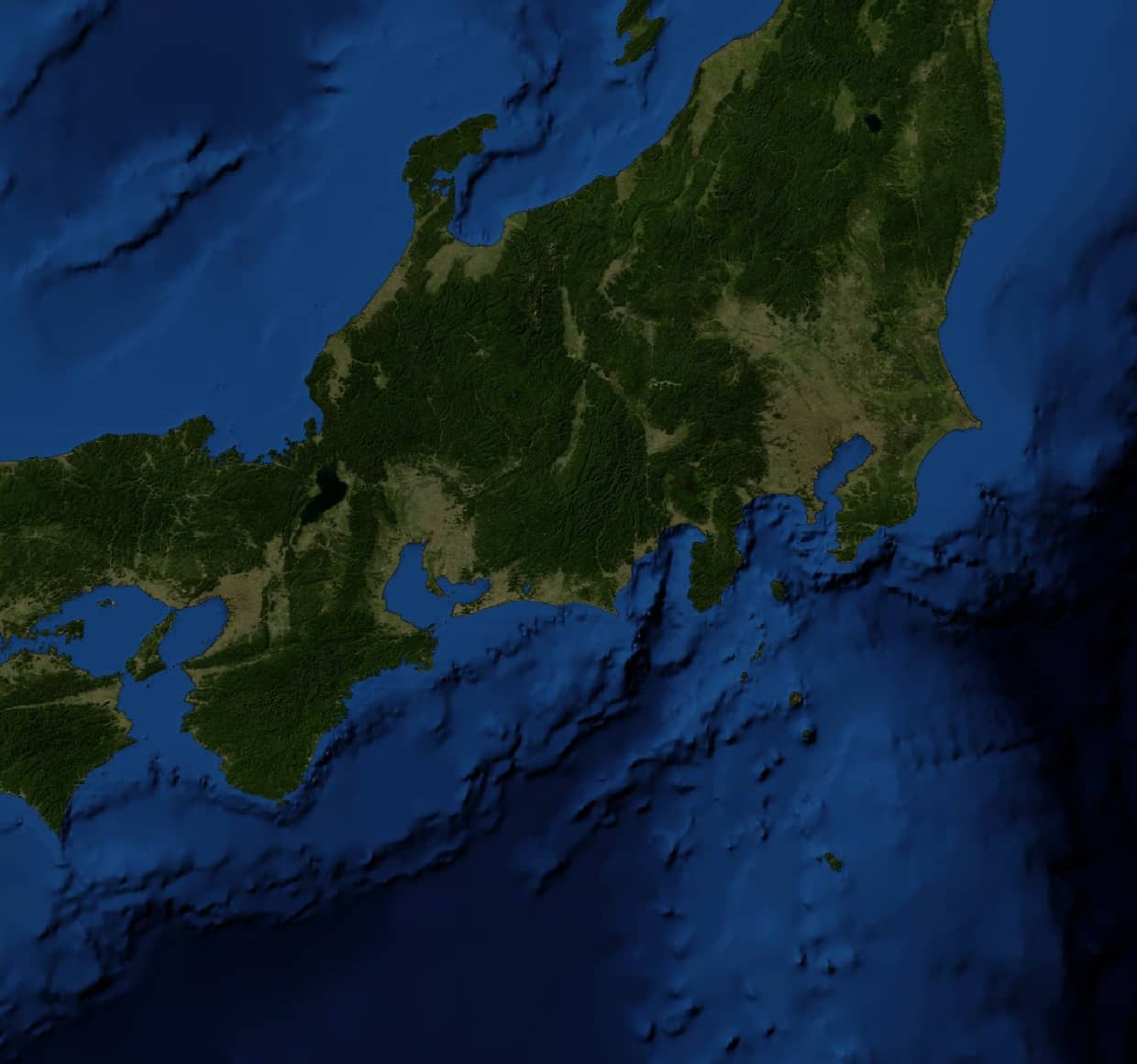
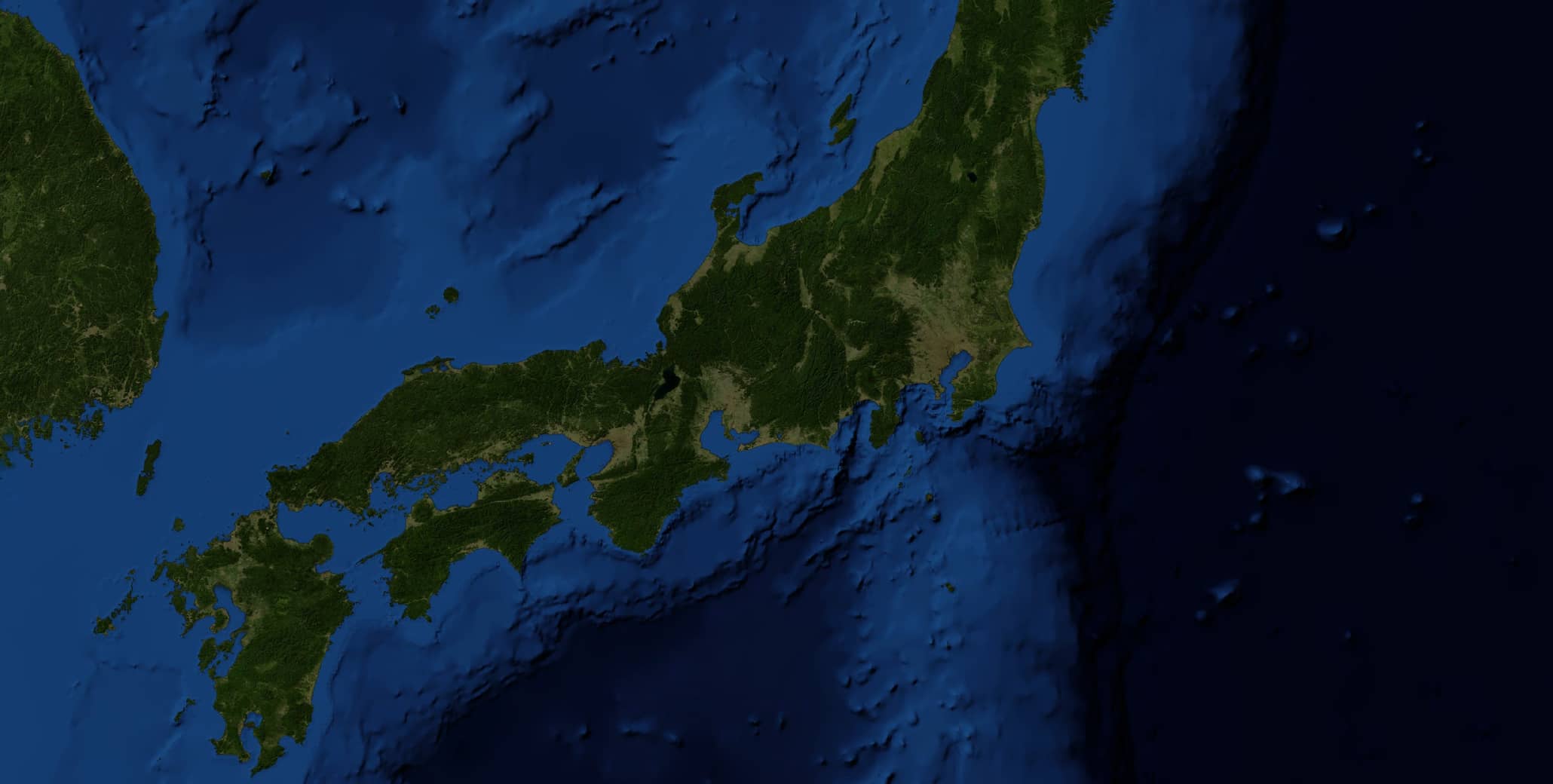
I wanted my family to follow along on a three-week trip to Japan without joining another social network. So I built a map for it.
Search places, trips and people, see public snaps near you, or hit Teleport for a random snap from anywhere.
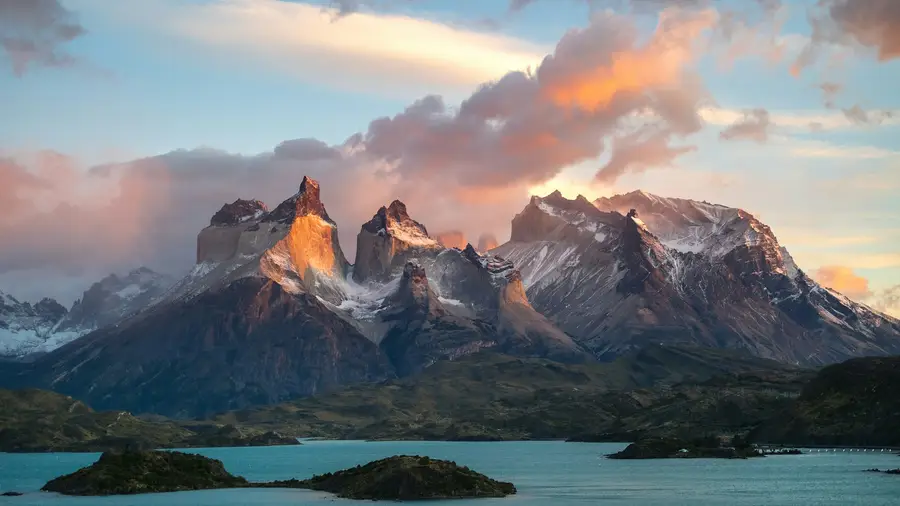
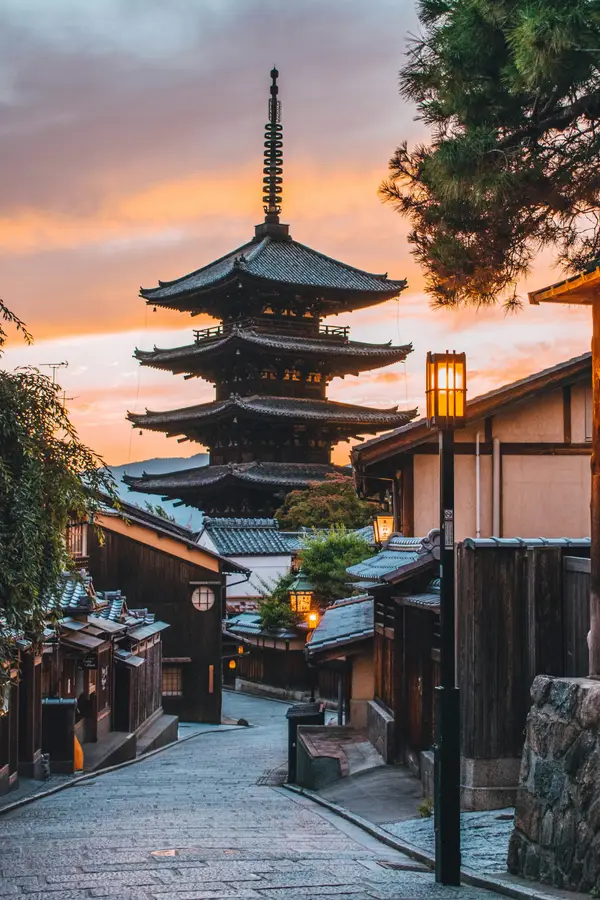

Free account. Map your last trip in about two minutes.
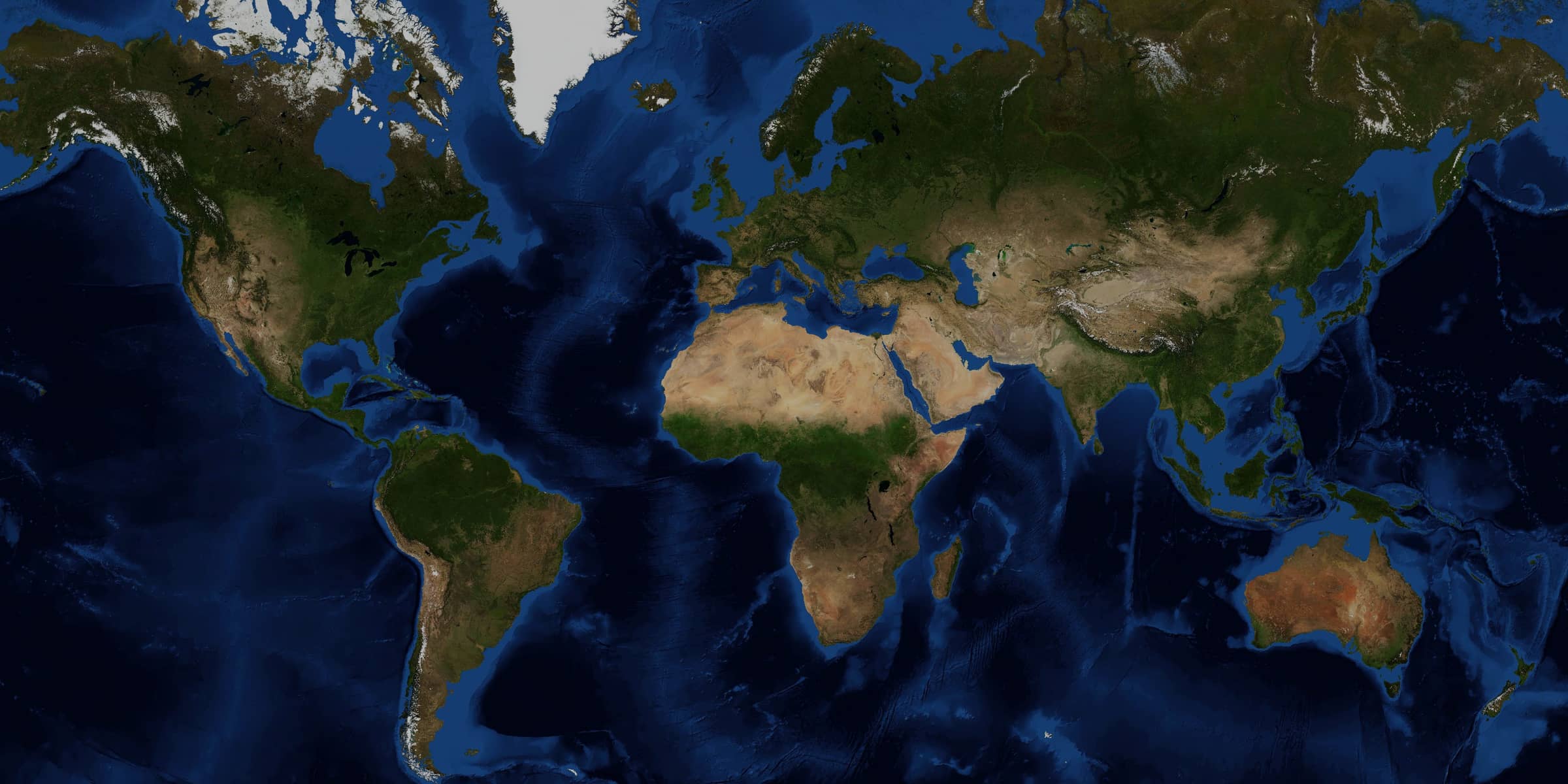
Every photo you share lands on a map, right where you took it. Friends and family follow your trip stop by stop.
Already have an account? Sign in
See how it worksTake a photo or upload one. The location comes from the photo or your phone's GPS.
It lands on the map where you took it — or just the area, if you'd rather.
The people who follow you see it on their map and feed, and can like and comment.
Group snaps into a trip and Snapsmaps draws the route between your stops.
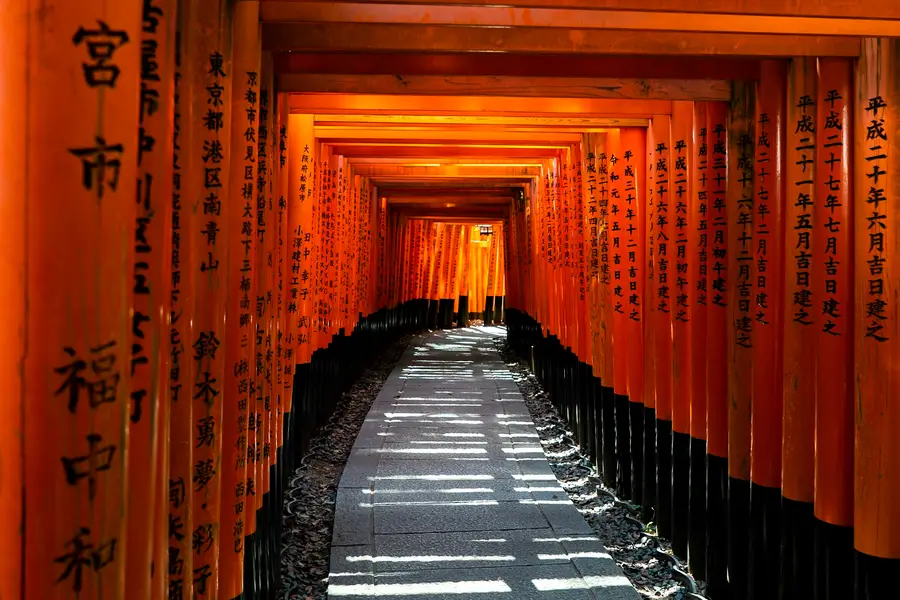
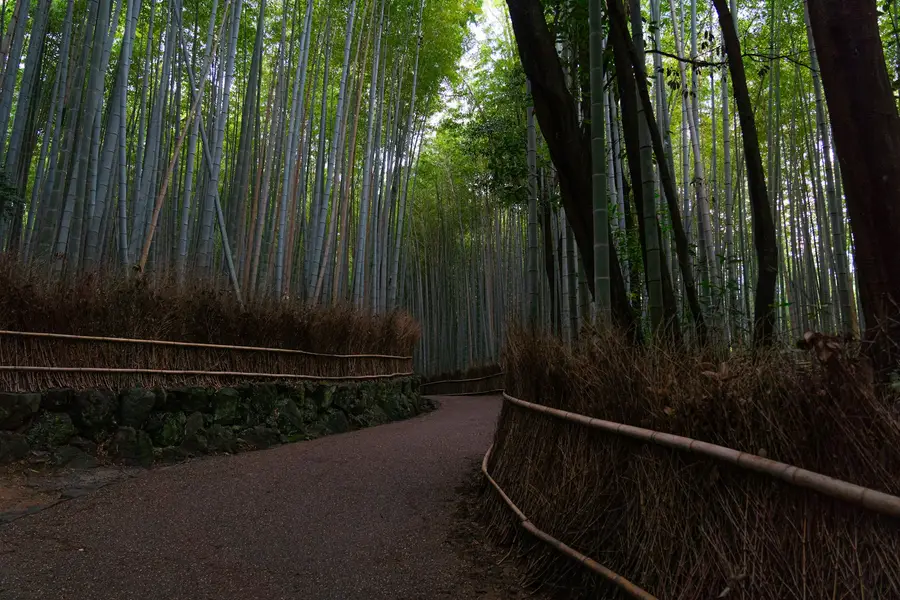
Likes, comments, and a Following feed that's newest first — no algorithm, no strangers.
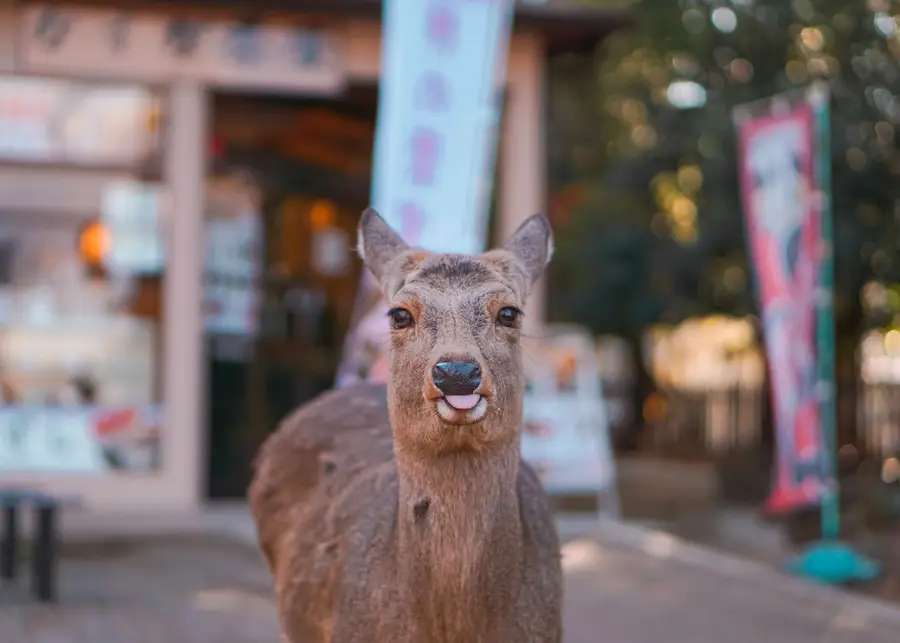
This one followed me for ten minutes for a cracker 🦌
“I wanted my family to follow along on a trip to Japan without joining another social network. So I built a map for it.”
Free account. Map your last trip in about two minutes.
Create accountSign in